
Unricopie
Installs catalog projects from their official release, checks your copy of the game, and gets it ready to play. It’s free and open source.
What it does
Installs from the source
Downloads each project from the release its author publishes and checks the download against GitHub’s checksum. It never ships games or builds its own versions.
Checks your copy
Compares your copy of the game with the versions each project asks for and puts it where the game looks for it. Your copy is stored once and never touched.
The whole catalog
Explore has the entire catalog, with console filters: what it installs, with its button, and the rest, with a link to the project.
Thunderstore mods
For Zelda 64: Recompiled and Banjo: Recompiled: it installs them with what they need, tells you when there’s a new version, and keeps them in profiles.
Mods in order
Drag mods to order them, pick which one wins when two bring the same files, and add your own by dropping them on the window. Each profile keeps its mods’ settings, including the ones you change inside the game.
Portable
If you want, everything in one folder: the launcher, the games, the saves, and the settings.
What it installs 39
39 catalog projects for now. We add more every week; the rest stay in the catalog with their link to the project.
- N64
 2 Ship 2 Harkinian
- WIN
 3D Pinball for Windows – Space Cadet
- N64
 Banjo-Kazooie
- PS4
 Bloodborne (bbport)
- WIN
 Caesar III (Augustus)
- WIN Caesar III (Julius)
- WIN
 Celeste 64: Fragments of the Mountain
- WIN
 Chris Sawyer's Locomotion (OpenLoco)
- WIN
 Descent 3 (Descent3)
- WIN
 Diablo / Hellfire (DevilutionX)
- DOS
 Doom / Doom II (Chocolate Doom)
- WIN
 Doom 3 (dhewm3)
- WIN
 Doom 3: BFG Edition (RBDOOM-3-BFG)
- WIN
 Fallout (Fallout CE)
- WIN
 Fallout 2 (Fallout 2 CE)
- PS4
 God of War III Remastered
- GZDoom
- XBX
 Halo: Combat Evolved (OpenCE)
- DOS
 Heroes of Might and Magic II (fheroes2)
- DOS
 Legend of Sword and Fairy (SDLPal)
- N64
 Perfect Dark (N64)
- DOS
 Quake (vkQuake)
- WIN
 RollerCoaster Tycoon 2 (OpenRCT2)
- PS4
 Shadow of the Colossus (AjncSystem)
- N64
 Ship of Harkinian
- WIN
 SimCity 2000 (OpenSC2K)
- 360
 Skate 3 (skate3recomp)
- 360
 Sonic Unleashed
- N64
 SpaghettiKart
- WIN
 Star Wars Jedi Knight: Jedi Academy / Jedi Outcast (OpenJK)
- N64
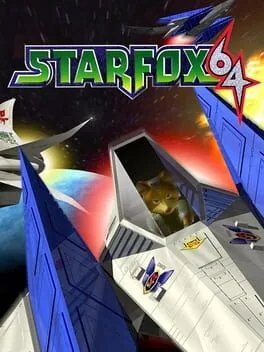 Starship
- NES
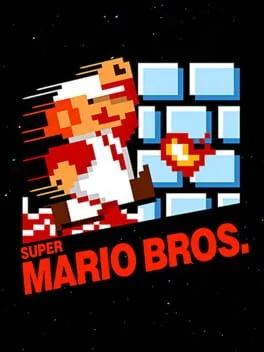 Super Mario Bros. Remastered
- NSW
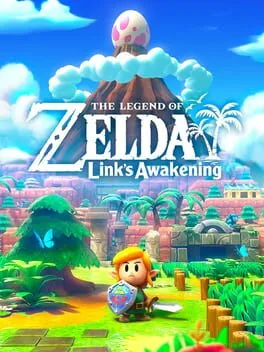 The Legend of Zelda: Link's Awakening
- N64 The Legend of Zelda: Majora's Mask
- DOS
 Theme Hospital (CorsixTH)
- DOS
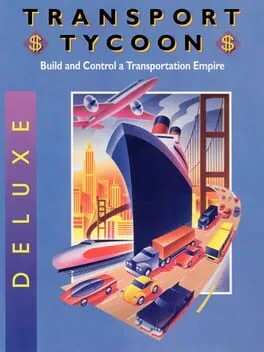 Transport Tycoon Deluxe (OpenTTD)
- GC
 Twilight Princess (Dusklight)
- PS4
 Uncharted: The Nathan Drake Collection (Supermedo)
- UZDoom
Requirements
64-bit Windows 10 or 11; Linux comes later. No account needed. The code is free software (GPL-3.0); the recipes that say how to install each game are ours and update on their own.